You wake to a tidy sleep-stage chart and wonder whether to believe it. With sleep tracker apps free to download, trust the pattern over the stage labels; Sleep Cycle is a sensible iPhone starting point.
Sleep data works best as one input among your daily habits. The guide on how to use a fitness tracker covers the wider picture of tracking and what to do with the numbers.
How free sleep apps measure sleep
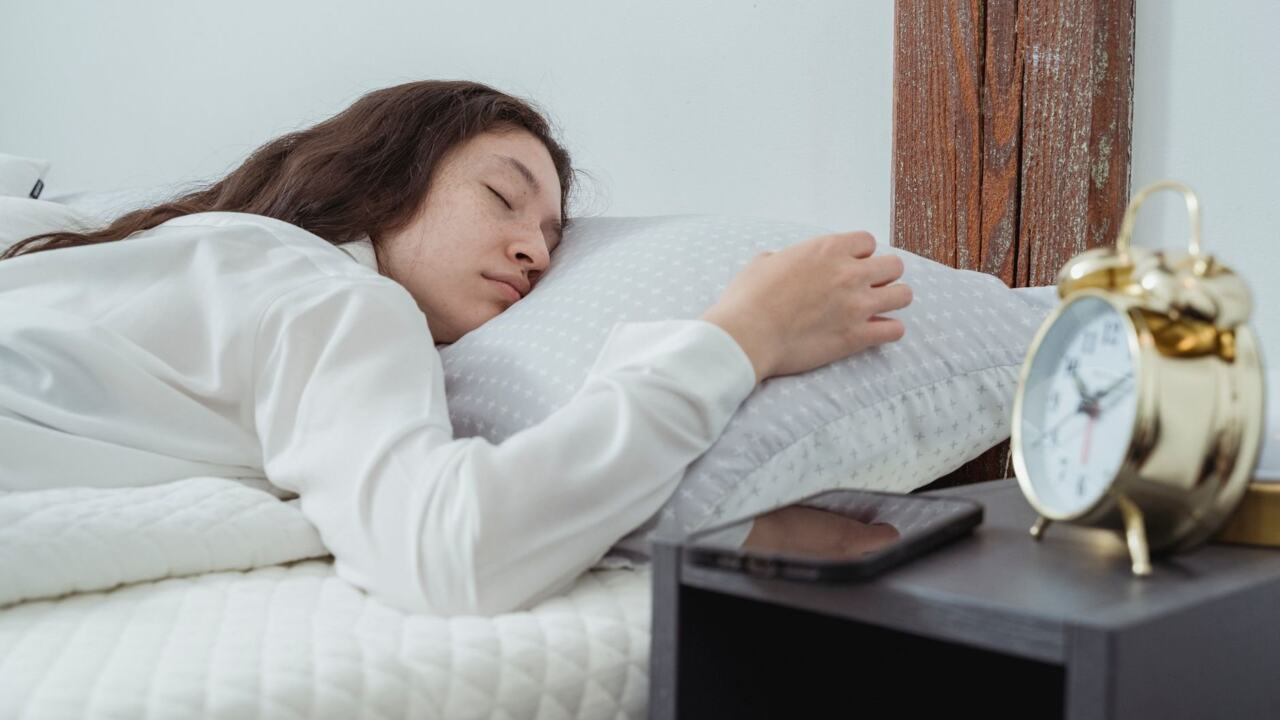
Phone-based sleep tracking is an estimate built from sound and movement. Apps use the phone’s microphone and motion sensors to estimate when you are asleep and when you are awake. Sleep Cycle describes its own method in the same terms: its App Store listing says it tracks each night with sound analysis or accelerometer-based detection, with no wearables needed and the phone simply placed on the nightstand.
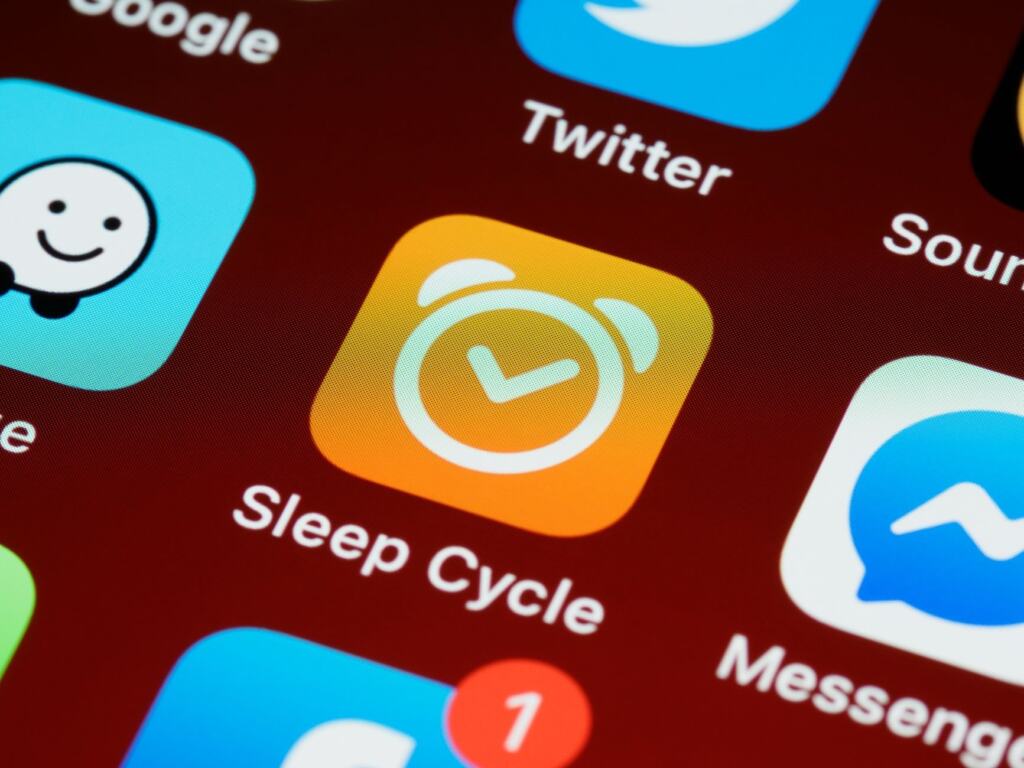
That setup is why free tracking is so easy to start, and also why it has a ceiling. The phone hears and feels your night. It does not record brain activity, so anything beyond “asleep” or “awake” is inference.
Common misunderstandings about free sleep apps
Most disappointment with free sleep apps comes from expecting more than the sensors can deliver. The table pairs each common belief with what the evidence supports and what to do about it.
| Common belief | What is supported | Planning use |
|---|---|---|
| The stage chart shows what my brain did | Most sleep researchers agree microphone and accelerometer data alone are not enough to identify light, deep and REM stages accurately. | Read the stage chart as a rough sketch. Watch total time and consistency instead. |
| Lying still means I was asleep | Phone apps can confuse lying still with sleep, and can misread a pet jumping on the bed as waking movement. | Note restless nights, pets and late scrolling in bed before blaming your sleep. |
| Free means every feature is included | Sleep Cycle is a free download with in-app purchases. Its listing places data export and Apple Health sync among premium tools. | Check what sits behind the paywall before you build a habit around the data. |
| An alert or score is a diagnosis | A notification is not a diagnosis, and a professional sleep study is still required. | Use alerts as a prompt to talk to a clinician, not as an answer. |
Figures and statements above come from Sleep Health Solutions Ohio and the Sleep Cycle App Store listing.
The misunderstanding with the most practical cost is the second one. A restless night with a pet on the bed can look like poor sleep in the app when the cause is the sensor, so a single odd night is rarely worth acting on.
Sleep Cycle as a free starting point
For an iPhone owner who wants no extra gadgets, Sleep Cycle is the most sensible free app to try first. The best choice depends on your device and what you want from the data, but this app has the strongest public track record in the listing evidence. Its App Store listing shows a rating of 4.7 out of 5 from 31K ratings, and the developer claims more than 40 million downloads.
Treat those figures as popularity and user satisfaction, not accuracy. A high rating tells you people like the app and its interface. It does not tell you how closely the stage labels match a clinical study.
Who it suits
Sleep Cycle suits people who want phone-only tracking with a simple morning summary. The listing also names sleep stages and sleep programs among its features. Because the phone does the sensing, stage labels deserve the caution described below.
If you wear an Apple Watch
An alternative for Apple Watch owners is SleepWatch, which uses the Health app and Apple Watch to track the quality and duration of your sleep. That route reads from Apple Health, the system’s central store for health data, rather than relying on the phone alone. Check the store listing for your own phone and watch before installing either app.
What the free tier does not give you
A free sleep app gives you a working tracker but not the full product. The Sleep Cycle listing describes premium tools like supportive soundscapes, sleep stories, data export, Philips HUE sunrise and Apple Health sync. The practical limits fall into a few groups:
- Data portability. Export and Apple Health sync sit on the premium list, so free-tier data may stay inside the app. If you want to compare sleep with workouts in other apps, this matters most.
- Extras around sleep. Soundscapes, sleep stories and light-based wake-ups are add-ons, not part of the core tracking. You can sleep and measure without them.
- Upgrade prompts. The in-app purchase model means the app will keep offering a paid tier. Decide in advance what you would pay for, if anything, rather than upgrading on a good first night.
- Sensing limits that no price removes. Paying for an app does not add a heart-rate or brain-activity sensor to a phone on a nightstand. The accuracy ceiling comes from the method.
The honest summary of free tiers is that they are enough to learn your routine and not enough to build a long-term, portable health record. Judge an app on whether its free version answers the one question you actually have.
How accurate sleep apps are
Sleep apps are reasonably useful for the broad shape of a night and weak on fine detail. The reference standard is polysomnography, an overnight sleep-centre study, and consumer tools are measured against it. The figures below come from a Sleep Health Solutions Ohio review of the evidence.
Stage labels
Phone-only stage labels are the least reliable output. Most sleep researchers agree that microphone and accelerometer data alone cannot accurately identify individual sleep stages. Even a ring with dedicated sensors, the Oura Ring, achieved approximately 79% agreement with polysomnography in four-stage sleep classification in a 2024 Brigham study. A phone on a nightstand has less to work with than a ring on a finger, so hold its light, deep and REM labels more loosely still.
Total sleep time
Totals are better than stages but not perfect. Wearables consistently overestimate total sleep time by misclassifying brief awakenings as light sleep. If an app says you slept longer than you felt you did, the app may be counting short awakenings as sleep. Compare your own rested feeling with the number, and rely on changes across nights rather than the absolute total.
Sleep apnea alerts
Smartwatch apnea features show how a screening tool differs from a diagnosis. In clinical trials, the Apple Watch feature showed a specificity of 98.5% and a sensitivity of 66.3%. It screens over a 30-day period. Sensitivity at that level means the feature does not catch every case, so a quiet result does not rule apnea out, and a notification is not a diagnosis. Anyone with a notification or with symptoms such as loud snoring or heavy daytime sleepiness should arrange a professional sleep study.
Using the app without hurting your sleep
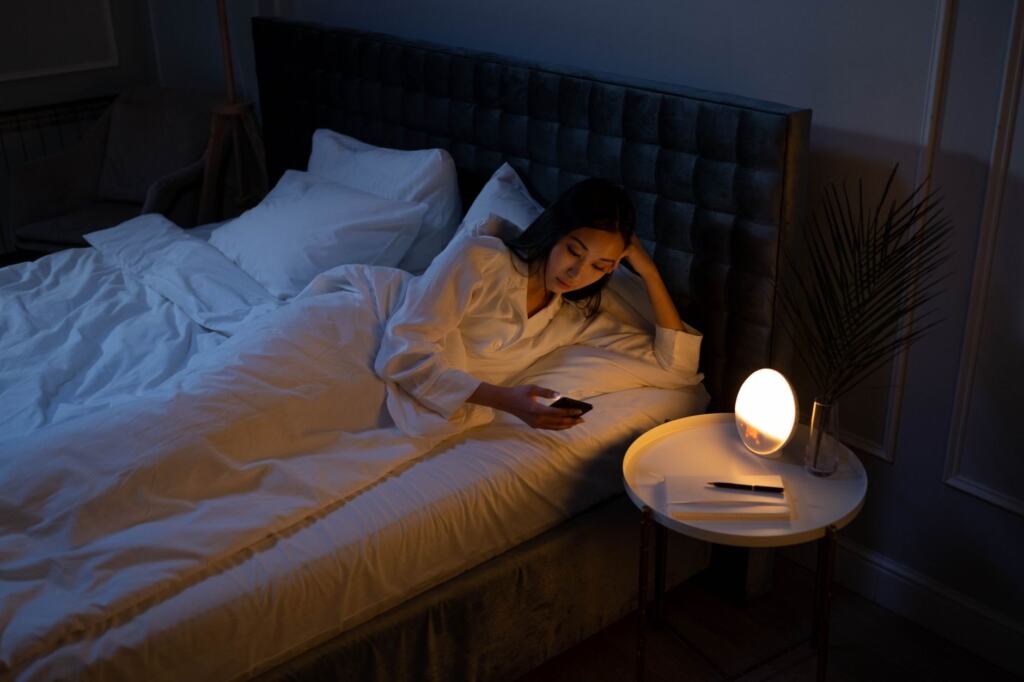
Tracking should not cost you sleep. The phone that measures your night is also a light source, and the blue light from phone screens suppresses melatonin production and can delay sleep onset. Checking the app, scrolling or answering messages in bed works against the thing you are trying to improve.
Sleep Cycle’s own setup needs only the phone on the nightstand, so start tracking, set the phone down and leave it. Review the summary in the morning, not in the middle of the night. In the dark hours, the app should be working, not demanding attention.
Choosing and testing an app
A free app earns a place in your routine by being consistent, not by showing the most charts. Work through these steps in order:
- Match the app to your devices. Pick one that runs on your phone, or on your watch if you already wear one, so no new hardware is needed.
- Read the paywall list. Note whether export or health-platform sync matters to you, and whether it is premium.
- Run it for several nights. Compare the totals with how rested you feel in the morning, and add your own notes about late caffeine, travel or pets.
- Focus on trends. Look at bedtime consistency, total time and wake-ups across the week. Ignore single-night stage percentages.
- Know when to stop. If the app makes you anxious about sleep or the numbers keep contradicting how you feel, switch methods or take a break from tracking.
Where sleep data fits with training
Sleep numbers are most useful beside other habits. If your goal is endurance, Improve Your VO2 Max: Practical Strategies To Boost Endurance And Performance In 2026 – Bioconnected covers the training side. For a lower-impact activity that fits an easy day, Incline Walking: How Many Calories You Really Burn (2026 Guide) – Bioconnected explains what walking on a slope does to calorie burn.
Frequently asked questions
| Question | Answer |
|---|---|
| Does a smart alarm really wake me at the best moment? | The Sleep Cycle listing says its Smart Alarm wakes you during your lightest sleep phase. Since phone-only stage detection is rough, treat that as a convenience feature, not a precise guarantee. |
| What does a clinical sleep study measure that an app cannot? | A polysomnogram, the comprehensive overnight sleep study, monitors brain activity, eye movement, heart, breathing, oxygen and muscle signals, according to Sleep Health Solutions Ohio. A phone app measures none of these directly. |
| How much space does Sleep Cycle need? | The App Store listing gives a size of 306.2 MB and lists iPhone, iPad and Apple Watch as supported devices. |