How does a continuous glucose monitor work? A thin sensor under the skin reads glucose in interstitial fluid, and a transmitter sends the readings to a receiver or phone. Because it samples fluid rather than blood, its numbers trail blood glucose slightly.
That delay, plus the way each device is calibrated, shapes how far you can trust any single number. For another wearable sensor with a different job, see how do smartwatches measure heart rate.
From sensor to screen: the stages
A CGM turns a small amount of fluid under the skin into a number on a display in four stages. Each stage adds a limit that matters when you read the result.
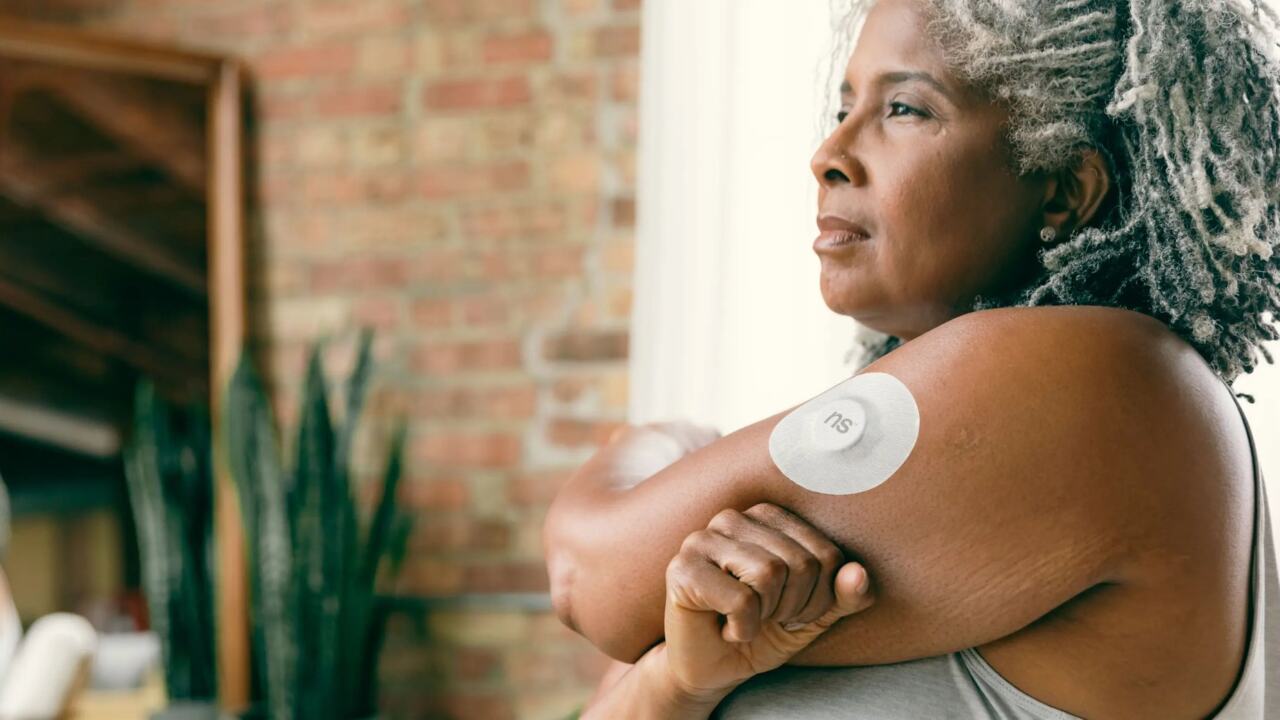
- Wear the filament. The sensor filament is less than 0.4 mm in diameter and sits 5 mm under the surface of the skin, according to Lingo’s explainer. OneTouch adds that it sits above the capillary space, so it goes less deep than a lancing device.
- Sample the fluid. The sensor measures glucose in interstitial fluid, not in blood. In the MiniMed Gold system described in a PubMed Central review, the interstitial glucose level was sampled every 10 s and averaged every 5 min.
- Transmit the signal. The transmitter passes the sensor data to a receiver, which OneTouch also calls a reader.
- Display the result. Glucose is reported in milligrams per deciliter (mg/dL), as Testing.com notes, and the reading updates through the day and night.
Why the fluid between cells is used
Interstitial fluid is the fluid surrounding tissue cells, and its glucose level corresponds closely to the level in blood. Measuring it lets a small wearable filament do the work of repeated finger pricks. The trade-off is that the sensor reads a close relative of blood glucose, not blood glucose itself. The next section covers what that costs in time.
Interstitial fluid and the lag behind blood glucose
Interstitial glucose trails blood glucose. The PubMed Central review puts the time lag at approximately 5 to 15 minutes. Lingo, a CGM maker, describes a CGM lagging actual blood glucose by about 3 to 5 minutes. Treat the lag as a range that varies by source and device, not as a fixed constant.
OneTouch says the lag is worth remembering when glucose is changing quickly, such as after meals or during a fall. In steady conditions the two values sit close together, so the delay rarely changes what you do. Rapid change is where the numbers can disagree for a short while.
One early study shows the practical cost. In that research, sensor profiles paralleled blood glucose, but recovery from hypoglycemia was delayed by an average of 26 min on the sensor. A CGM can therefore keep showing a low reading after blood glucose has begun to recover. A trend arrow or graph slope is a better guide than a single number during a fast change, and it is worth waiting for the next reading before reacting again.
System components and how data reaches your phone
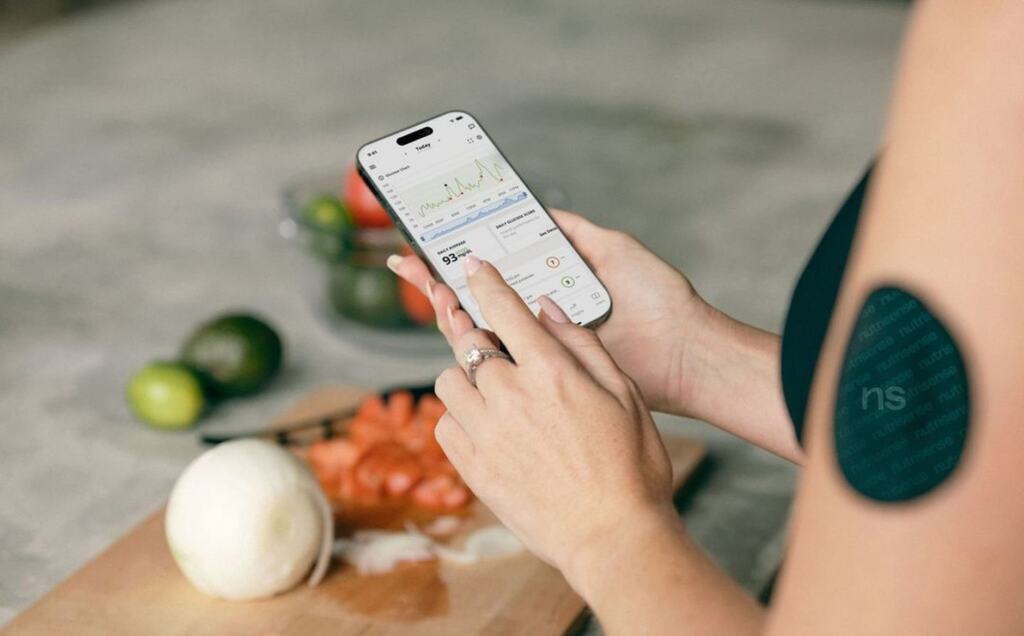
A CGM contains three parts: a sensor, a transmitter and a receiver, according to OneTouch. Knowing which part does what makes it easier to compare products and to work out where a fault lies.
- Sensor. The filament in the interstitial fluid does the measuring and is the part you replace on a schedule.
- Transmitter. It carries the sensor signal wirelessly onward, so the sensor itself needs no display.
- Receiver. It shows the numbers and history, and can be a dedicated reader or a screen you already carry.
A CGM is one example of a wearable biosensor, and What Is a Biosensor? A Clear, Practical Guide For 2026 – Bioconnected explains the wider category it belongs to. If you want to see how a wrist device gathers and shows its own data, How Smartwatches Work: Inside Your Wrist Computer In 2026 – Bioconnected covers that side.
Accuracy compared with a finger prick
A CGM tracks blood glucose well but not perfectly. In the early MiniMed study, sensor profiles paralleled blood glucose at each of three plateaus, with a correlation coefficient of 0.79 and a mean absolute error of 7%. That is evidence for an early-generation system, not a promise for every current device. The same review notes that clinical accuracy of CGM is assessed with the Continuous Glucose-Error Grid Analysis, a method designed by WL Clarke, so accuracy claims depend on how a device was tested.
Calibration changes the comparison
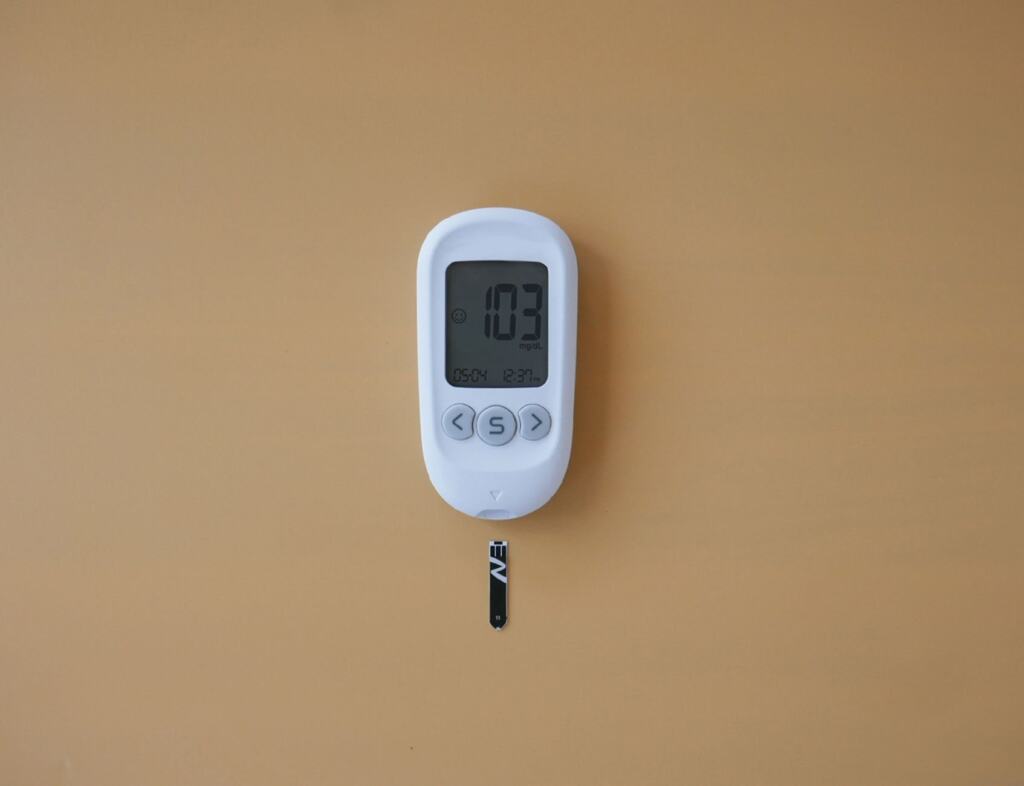
Calibration is where finger pricks stay relevant. The MiniMed Gold required finger-stick calibration at least four times a day, and Testing.com says many continuous glucose monitors need calibrating twice a day with a fingerstick. OneTouch says many newer devices are factory-calibrated, so they keep their accuracy without fingerstick calibration. For a buyer, that is a real difference in daily effort, so check which type a product is before you choose.
Wear period by system
| System | Wear period | Planning use |
|---|---|---|
| FreeStyle Libre | 14 days | Longest wear of the three here, so the fewest sensor changes. |
| Medtronic Guardian | 7 days | Shorter wear means more frequent sensor changes than Libre. |
| MiniMed Gold (early Medtronic system) | Up to 72 h | Needed finger-stick calibration at least four times a day, which shows how much calibration shaped older use. |
Wear periods for FreeStyle Libre and Medtronic Guardian come from Lingo’s comparison, and the MiniMed Gold figures come from the PubMed Central review.
OneTouch says sensors in general are worn for 7-14 days depending on the device, so check the wear period of the exact product you are considering. The review also warns that real-time CGM can lead to over- or undertreatment, and that patient education in handling the device properly is essential. Learning how the numbers and trends behave matters as much as the hardware.
Who can use a CGM and what FDA status means
Yes, adults without diabetes can use some CGMs, but only products marketed for that purpose. The Lingo Glucose System is sold without a prescription and, according to its maker, is intended for users 18 years and older who are not on insulin. Lingo’s page does not establish FDA status, so confirm that on the FDA’s own listings before buying any over-the-counter system.
For history, the PubMed Central review says the Food and Drug Administration approved a CGM device in the USA in 1999. Since then CGMs have moved from clinic tools to consumer products, and the intended-use statement tells you which group a given device is built for.
For a wearable buyer, an over-the-counter CGM gives the same kind of interstitial reading with the same lag, so use the trend more than any single number. If you use insulin, a device labelled for people not on insulin is the wrong choice. Clinical decisions belong with a clinician.
Frequently asked questions
How often does a CGM take a reading?
OneTouch says devices report every 1 to 5 minutes, which is 288 to 1440 readings per day. Most devices take readings every five minutes, all day and night, according to Rainier Research.
Can a sensor be worn anywhere on the body?
No. Placement approval varies by device, and some are approved only for the upper arm. Check the approved sites for your device before you apply it.
How long before a new sensor shows readings?
Most devices have a short warm-up period of around 30-60 minutes before real-time data appears, according to Lingo.