Digital health is the use of information and communications technologies in medicine and other health professions, and the best starting point is the one tool that fits your need today: a video visit, home monitoring, your records or an app.
The definition comes from a technology-industry glossary, and it is deliberately broad. Choosing where to begin matters more than covering everything. This guide sorts the main areas by the decision each one helps you make, then explains how wearable data connects to doctors, records and privacy.
Choosing your starting point
Start with the problem you want solved, not the gadget. Each branch of digital health answers a different problem, and each carries a different condition you should check before relying on it.
- You need to talk to a clinician without going in person. Telehealth is the place to start. It is the most direct route to care, and it needs only a device, a connection and a clinic that offers it.
- You live with a condition that needs regular measurements. Look at remote patient monitoring, where a connected device sends readings to your care team between appointments. Your clinician has to agree to receive and review those readings.
- You want your history to follow you between providers. Electronic health records and patient portals are the foundation. Everything else, including wearable data, eventually has to connect to them.
- You want to track habits, symptoms or mood on your own. Health apps are the easiest entry point. They also carry the most questions about evidence and data handling.
If you are unsure, begin with the records and portal your clinic already uses. Nearly every other tool either feeds into that system or depends on it. The sections below take each branch in turn, then compare them in a single table near the end.
What digital health covers
Digital health covers any use of information and communications technology to manage illness and support care. The Endava glossary describes it as using information and communications technologies in medicine and other health professions to manage illnesses. In practice that umbrella includes video consultations, connected devices, digital records and smartphone apps. The same glossary says data storage, access, sharing and ownership raise important questions about data security and patient privacy. Those questions run through every section of this guide.
It helps to think of digital health as four layers that pass information to one another:
- Conversation. Telehealth connects you to a clinician in real time.
- Measurement. Sensors and apps collect information about your body and habits.
- Storage. Electronic records hold the clinical picture.
- Access. Portals and sharing tools decide who sees what.
Problems usually appear where one layer hands over to the next. A reading that never reaches the chart is wasted. A record you cannot open does not help you. For that reason, the practical advice in this pillar concerns the joins between layers as much as the tools themselves.
Telehealth and telemedicine
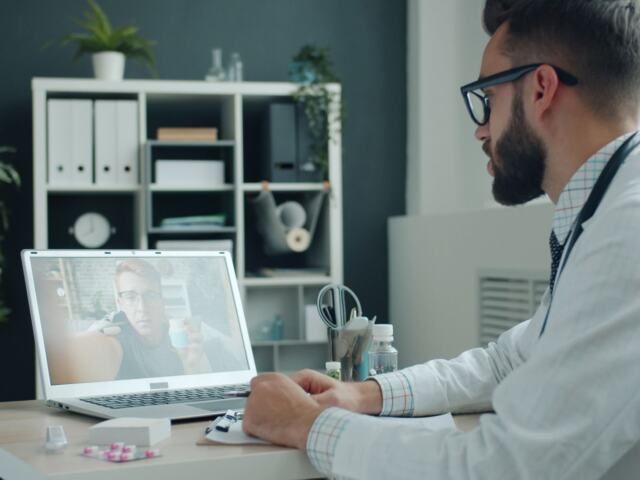
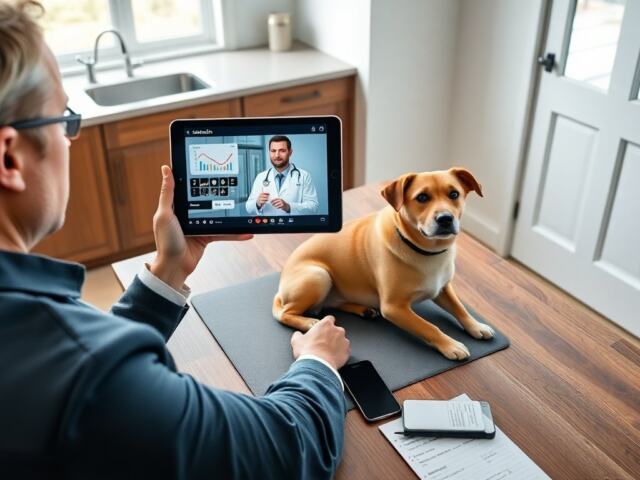
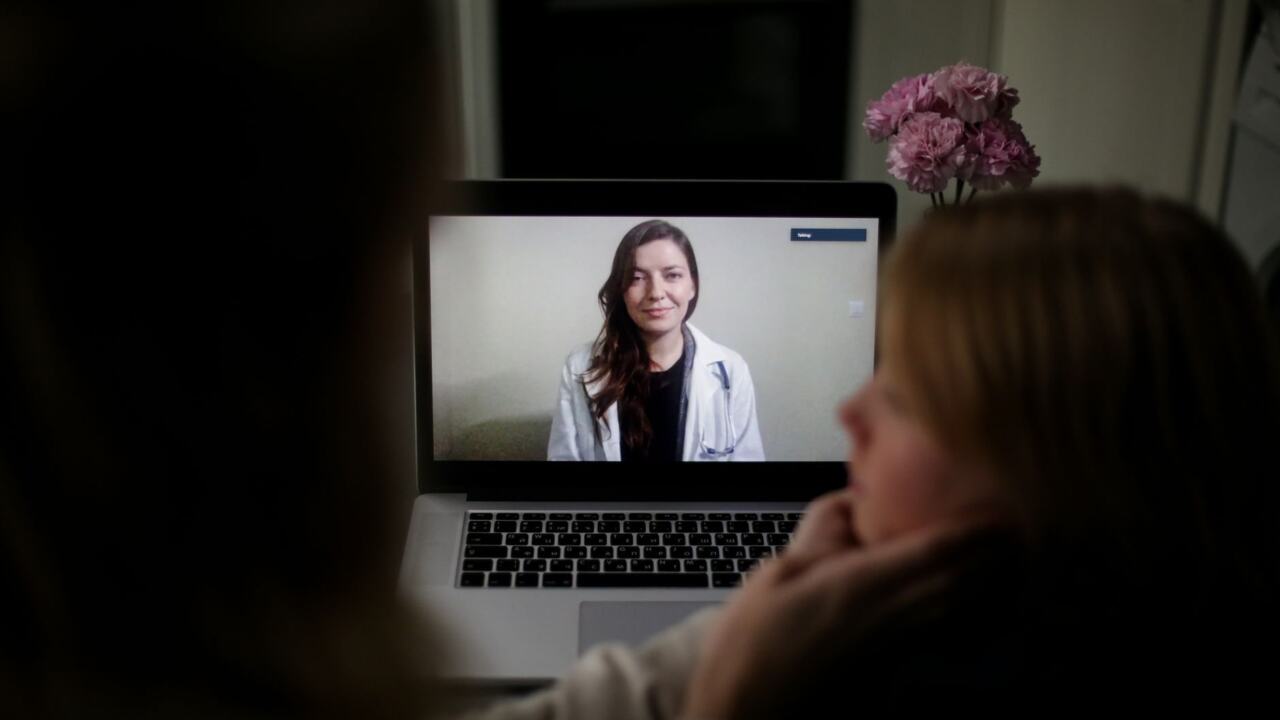
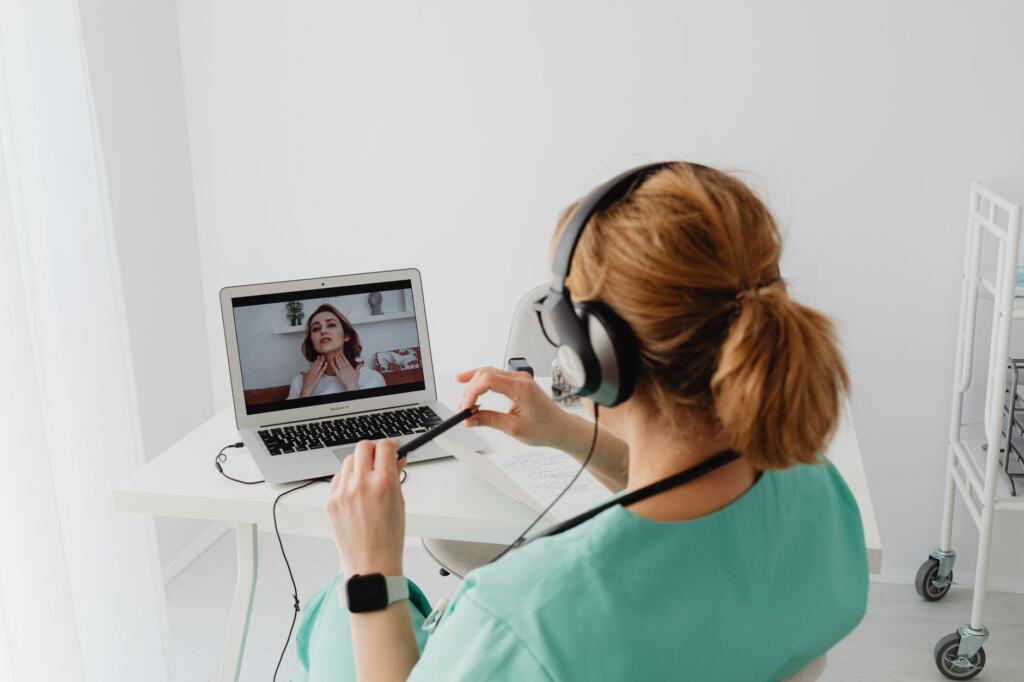
Telehealth lets you consult a healthcare professional without being in the same room. The University of Sheffield’s digital health resource defines telemedicine as the use of electronic communication systems to administer healthcare remotely, allowing patients to consult with healthcare professionals. The words telehealth and telemedicine appear side by side in clinic literature, and the distinction can matter for booking and coverage. A plain explanation is in Telehealth vs Telemedicine: What’s The Real Difference And Why It Matters In 2026 – Bioconnected.
Is a video visit right for your concern?
A video visit suits a conversation, such as reviewing results, discussing a medication, following up on a stable condition or deciding what to do next. It suits a problem less well when the clinician needs to examine you physically. If you are unsure, ask the clinic when you book. Booking staff can tell you whether your concern normally goes to a video slot or an in-person one. For a clear picture of what happens during a session, read What Is a Telehealth Appointment? A Clear Guide to Virtual Care in 2026 – Bioconnected.
Preparing for the visit
Preparation is mostly practical. Test your camera, microphone and connection before the appointment, find a quiet space and keep your questions in front of you. If you have home readings, have them ready in a form you can describe or share. The sequence for patients and clinicians is laid out in How To Do Telehealth: A Practical Step-By-Step Guide For Patients And Clinicians (2026) – Bioconnected.
Software choices on the clinic side
If you run a practice, the platform you choose shapes what patients experience and how well the visit protects privacy. Security, scalability and ease of use all deserve scrutiny before you commit. That decision is covered in Telehealth Video Conferencing Software: How To Choose Secure, Scalable Platforms That Improve Care In 2026 – Bioconnected.
Remote patient monitoring and wearables
Remote patient monitoring means using connected devices to collect health information away from the clinic and make it available to your care team. The Digital Medicine Society makes the point that connected sensor technology is more than just fitness and activity trackers. The Endava glossary places remote patient monitoring devices within the wider internet of medical things, alongside ingestible sensors and robotic caregivers. A fuller definition and examples sit in what is remote patient monitoring.
What monitoring can offer
The case for monitoring rests on timing. Sensor data has the potential to support more patients by giving clinicians the information they need to decide faster, according to the Digital Medicine Society. A peer-reviewed review on digital tools in medicine gives a concrete example: remote monitoring of cardiac devices may detect lead malfunctions before a catastrophe. The same review argues that digital tools will send increasing numbers of people to their physicians before they are sick. That is the practical promise of monitoring. It surfaces a problem while it is still a conversation rather than an emergency.
Reading consumer wearable signals sensibly
Consumer wearables produce signals that are best treated as prompts for a clinician rather than diagnoses. The Apple Heart study, described in the peer-reviewed review above, recruited more than 400,000 smartwatch owners. An irregular pulse detection was found in 0.52% of participants. That tells you two things. A watch can flag something worth discussing, and most people who wear one will not receive a flag. A flag should lead to a conversation with a clinician, not a conclusion of your own. If your watch offers an electrocardiogram feature, smartwatch ecg accuracy explains what such a reading can and cannot show.
Patient-generated data as a category
Readings you collect yourself, whether from a wristband, a home device or a logging app, form a category with its own questions about reliability and use. The concept is set out in what is patient generated health data. The category matters because a clinician has to decide how much weight such data deserves alongside measurements taken in the clinic.
Getting wearable data to your doctor
The route from your wrist to your doctor is not yet automatic everywhere. The Digital Medicine Society notes that there is still work to be done around security, utilization, and sensor data integrations. In practice, whether your data flows into the chart depends on the clinic’s setup, and you should ask before assuming it will. A walkthrough of the typical pathways is in how does wearable data get to my doctor.
Pick the route that matches your clinic
- Your clinic runs a monitoring programme. Choose this when it exists. The clinic has already decided who reviews the readings and what happens when one looks wrong, so your data goes to someone responsible for acting on it.
- Your clinic accepts data through its patient portal. This is the next best option. It keeps your data inside a system the clinic already manages. Read what is a patient portal to see what a portal usually allows.
- You share directly from your phone’s health app. This suits a clinician who is happy to look at a summary during the visit. how to share apple health data with doctor covers the steps for the main phone platforms.
- You bring a short summary to the appointment. This is the fallback when none of the options above is available. A concise note of what you measured, when, and what worried you is easier to use than a raw export.
Match the amount of data to the clinician’s time
More data is not automatically better. The Digital Medicine Society’s point about utilization is that information only helps when someone can use it. Before you share a large history, ask what the clinician wants to see. A focused view of the readings that relate to your question is more likely to change a decision than a full export.
Records and devices together
Longer term, device data and clinical records are expected to meet. The University of Sheffield describes a future in which, once the transfer of records is completed, everyday data from devices can be combined with NHS data. The condition matters. The combination depends on the records transfer being finished, so treat it as a direction of travel and not a service every patient has today.
Electronic health records and portals
An electronic health record is the digital version of your clinical file, and it is the system that wearable data ultimately has to reach. The University of Sheffield states that digital versions of patients’ records will make health information more accessible across healthcare systems. For a plain definition and the main benefits, read What Are Electronic Health Records? A Clear Definition, Key Benefits, And Why They Matter In 2026 – Bioconnected.
Strengths and limits
The Digital Medicine Society says EHR tools offer value to patients, providers and health systems. It also cautions that by design, these tools do not align with the cognitive and workflow requirements of clinicians or patients using them. Both statements are useful. The record is where your information becomes visible to the people treating you, but a record built around clinical workflow is not designed for a stream of home measurements. When you contribute data, shape it so it fits the way a clinician reads a chart: short, dated and tied to a question.
Using the portal well
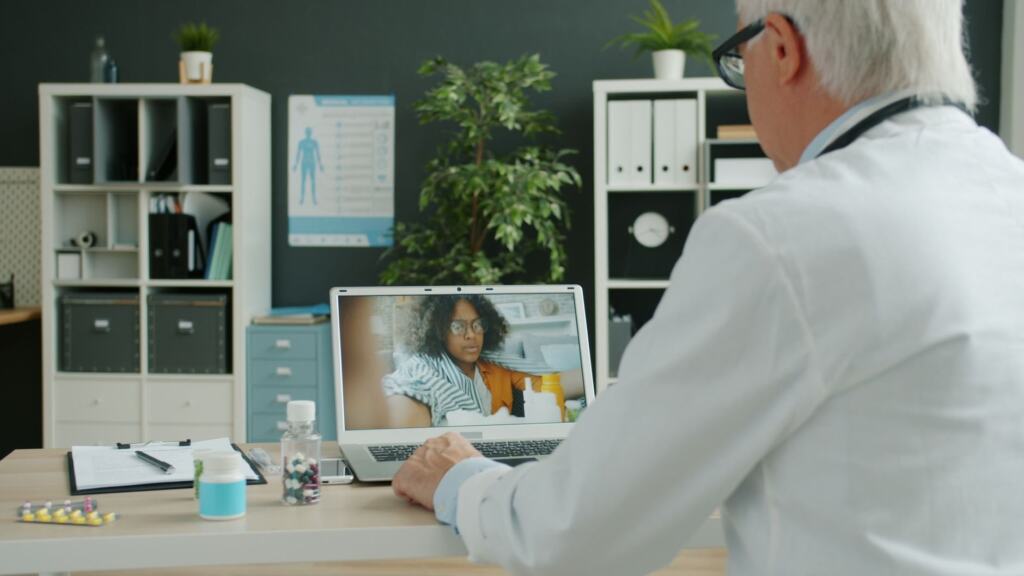
The portal is the patient-facing door into the record. Use it to review your information, check that what the clinic holds is accurate and, where your clinic allows, to send messages and share data. If something in your record looks wrong, raising it through the portal or the clinic is better than assuming someone will notice. An accurate record helps every later decision, including how your home readings are interpreted.
Where artificial intelligence comes in
Records are also the raw material for newer analysis tools. AI Tools In Healthcare: Practical Guide To Clinical, Operational, And Ethical Use In 2026 – Bioconnected looks at how such tools are used, and The Hidden Dangers Of AI In Healthcare: What Clinicians And Patients Must Know In 2026 – Bioconnected sets out the risks that clinicians and patients should understand before relying on them.
Health apps and your data
Health apps are the least regulated part of digital health, so they deserve the most scrutiny of your data and their claims. The University of Sheffield describes mobile health apps as health-related services on smartphones and tablets. The Digital Medicine Society observes that such products usually lack regulatory oversight and clinical evidence necessary to support the medical use of the information they produce. An app can therefore be perfectly good for motivation or record-keeping and still be a poor basis for a medical decision.
Safety of the evidence
The evidence base has been thin. A 2019 review of mobile devices and health, with 80 references, found that the number of references to randomised controlled trials with outcomes was zero. That does not mean every app is ineffective. It means you should not assume an app improves health outcomes because it looks professional or has many downloads. Treat outcome claims with caution unless an app can point to proper evidence.
Safety of the data
The question of whether health apps are safe for your data has no single answer, because each app makes its own choices. The Endava glossary frames the issue as data storage, access, sharing and ownership, all of which raise questions about security and privacy. Those four words make a useful checklist before you install anything:
- Storage. Find out where your entries are kept and whether they stay on your phone or go to a company’s servers.
- Access. Check who inside the company, and which outside services, can see what you enter.
- Sharing. Look for whether the app passes information to other parties, and whether you can switch that off.
- Ownership. Read what happens to your data if you delete the app or close the account.
If an app’s privacy information does not answer these questions clearly, choose a different app. For sensitive areas such as mood and mental health, Mental Health App Features: The 2026 Checklist For Secure, Effective Support – Bioconnected gives a more detailed checklist. For the legal and organisational side, including what providers and technology teams must do with health data, see Health Data Compliance: A Practical 2026 Playbook For Providers And Tech Teams – Bioconnected.
Privacy rules for health data in practice
Privacy rules attach to the organisation holding the data and the role it plays, so a clinic’s portal and a consumer app can sit under very different obligations. Data you share with your clinician enters a clinical setting with its own duties. Data you leave in a consumer app is governed by whatever that app’s terms say. That is why the checklist above matters, and why it is sensible to send information to your care team through the channel your clinic recommends. Providers and technology teams who need the detail should work through the compliance playbook linked above.
Access and fairness
Digital health helps only the people who can use it, and that is a real limit on every recommendation in this guide. The University of Sheffield warns that digital health may widen inequalities for those who struggle with technology or cannot afford devices, data packages, or broadband. The American Hospital Association makes a related point: many individuals have not been able to benefit from these digital solutions.
Three decisions follow from that. If you cannot easily use a video visit, ask the clinic what alternatives it offers. If you support someone who struggles with technology, help them set up one tool well before adding more. If you design or run services, keep a non-digital route available so that care does not depend on having a device and a connection.
How the main areas compare
The table lines up the four areas by what each does, what it suits and the condition to check. Use it to decide which one to explore first.
| Area | What it does | Suits you when | Condition to check | Planning use |
|---|---|---|---|---|
| Telehealth | Lets you consult a healthcare professional remotely by electronic communication | You want a conversation, a follow-up or a results discussion | You need a suitable device and connection | Ask the clinic which concerns are handled by video |
| Remote patient monitoring | Sends sensor data from outside the clinic to your care team | You live with a condition that needs regular measurements | Integration and utilization of sensor data are still developing | Confirm who reviews your readings before you start |
| Electronic health records | Make health information more accessible across healthcare systems | You see more than one provider or want to check your own file | Tools may not fit clinician or patient workflows | Start here, because other tools feed into it |
| Health apps | Provide health-related services on smartphones and tablets | You want to track habits or symptoms yourself | Often lack regulatory oversight and clinical evidence | Check storage, access, sharing and ownership first |
The definitions and limits in the table come from the University of Sheffield’s digital health resource and the Digital Medicine Society.
A sensible order for getting started
You do not need every tool. A workable order begins with the one that carries the least risk and the most reuse, then adds others only when a real need appears.
- Open your portal. Confirm you can see your record and that it is accurate.
- Ask about video visits. Find out which concerns your clinic handles by video, and try one for a routine matter.
- Decide whether you need monitoring. Ask your clinician before buying a device, so the readings go to someone who will use them.
- Add an app only for a clear purpose. Run the storage, access, sharing and ownership checks before you enter anything sensitive.
Revisit the order when your circumstances change. A new diagnosis may make monitoring worthwhile. A change of provider makes record access and portals the priority again.
Frequently asked questions
What is remote patient monitoring?
It is the use of connected devices to gather health information outside the clinic and make it available to your care team. It covers more than fitness trackers, and one documented example is the remote monitoring of cardiac devices to detect lead malfunctions early.
How do I share wearable data with my doctor?
Ask the clinic what it accepts first. Options include a monitoring programme, the patient portal, sharing from your phone’s health app, or bringing a short summary to the visit. Integration of sensor data into clinical systems is still developing, so do not assume it will arrive in your chart on its own.
Are health apps safe for my data?
It depends on the app. Many lack regulatory oversight and clinical evidence, and data storage, access, sharing and ownership all raise privacy questions. Read how an app handles each before entering anything sensitive.
Is digital health only for people with long-term conditions?
No. Digital tools can also prompt people to see a physician before they are sick, and a video visit or portal can serve routine needs. Access depends on having a suitable device and connection.