How to do telehealth in short: test your device and the clinic’s video platform a few hours ahead, choose a private room, and have medications, insurance details and home readings ready.
Telehealth is one practical corner of digital health. This guide follows a visit in the order it happens: platform setup, privacy, home and wearable readings, clinic-side requirements, and what to do when the video fails.
What a telehealth visit covers, and where it stops
Telemedicine connects patients with medical professionals in real time, by phone or online, according to Little Rivers’ televisit guidance. The same guidance says it does not include emergency-related concerns such as stroke, heart attacks and major accidents. Decide this before you book. If your symptoms could fall into that group, skip the setup steps below and seek emergency care.
For routine concerns, the visit is a normal appointment held through a screen or a phone line. The preparation is what separates a smooth visit from one spent fixing audio. If you want a plain definition of the appointment itself before you start, read What Is a Telehealth Appointment? A Clear Guide to Virtual Care in 2026 – Bioconnected.
Preparation at a glance
Most of what a visit needs can be lined up in advance. The table pulls the measurable items together so you can work through them in one sitting.
| Item | What to line up | Planning use |
|---|---|---|
| Internet connection | A stable speed of at least 5 Mbps | Check the network you will actually use for the visit. A slower link is the first thing to fix before the day. |
| System test | Both patient and clinician test their systems at least a few hours before the appointment | Leaves time to solve problems instead of discovering them at the start time. |
| Vital signs | Weight, blood pressure, heart rate and temperature | Take readings before the visit so the figures are ready when the clinic asks. |
| Home equipment | A basic scale, thermometer and watch | Gather what you already own rather than buying anything new. |
| Paperwork | Prescriptions, over-the-counter medicines and supplements, pharmacy details, and insurance information | Put everything in one place before you log in. |
The connection speed and testing window come from a telehealth preparation guide, and the vital signs, equipment and paperwork lists come from Little Rivers’ televisit guidance.
Setting up the device and the video app
Battery and the app itself
If the device will not be plugged in, charge the battery fully so it lasts the whole visit, as OhMD’s preparation advice puts it. A laptop on a desk near a power point is the simplest arrangement, and a phone works as a backup device.
Little Rivers recommends learning how to use the telemedicine company’s app or video chat software beforehand. Open it, grant the camera and microphone permissions it asks for, and find the button that joins the visit. Those first-time steps are the ones that eat the opening minutes of a visit when they are left until the appointment starts.
Run a dry run
OhMD recommends giving a telehealth visit a dry run before a real one. If your clinic offers a practice or test call, use it at the same time of day and in the same room as the visit, so the lighting, audio and connection are the ones you will actually have.
Privacy and consent for video visits
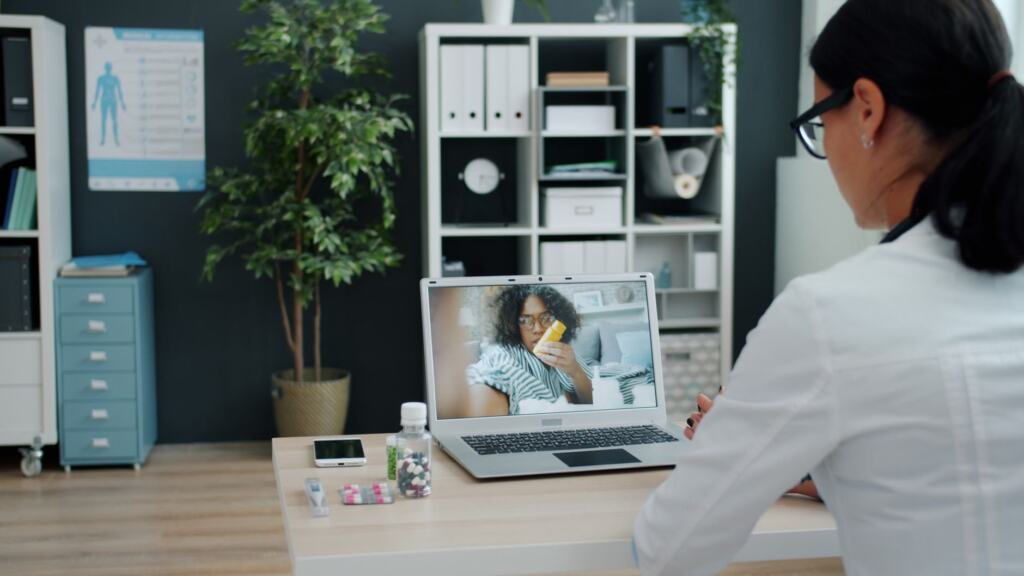
Privacy starts with the room. Little Rivers advises choosing a quiet room and asking family or roommates to respect your privacy. OhMD adds that finding a space that is as quiet as possible makes a major difference to the visit, which also helps the clinician hear what you describe.
Consent is the next layer. One telehealth guide states that patient consent is legally required for telehealth, so expect a consent form or a verbal confirmation at the start and read it rather than clicking through.
Which tool carries the call also matters. The same guide notes that popular tools such as FaceTime or basic Zoom are not inherently HIPAA compliant. As a patient, use the link or app your clinic sends rather than switching to a familiar consumer app because it is easier. HIPAA, the US federal health-privacy law, binds the clinic and its vendors, so the choice of platform belongs to them, and following their instructions is the safest route.
Readings and wearable data to share
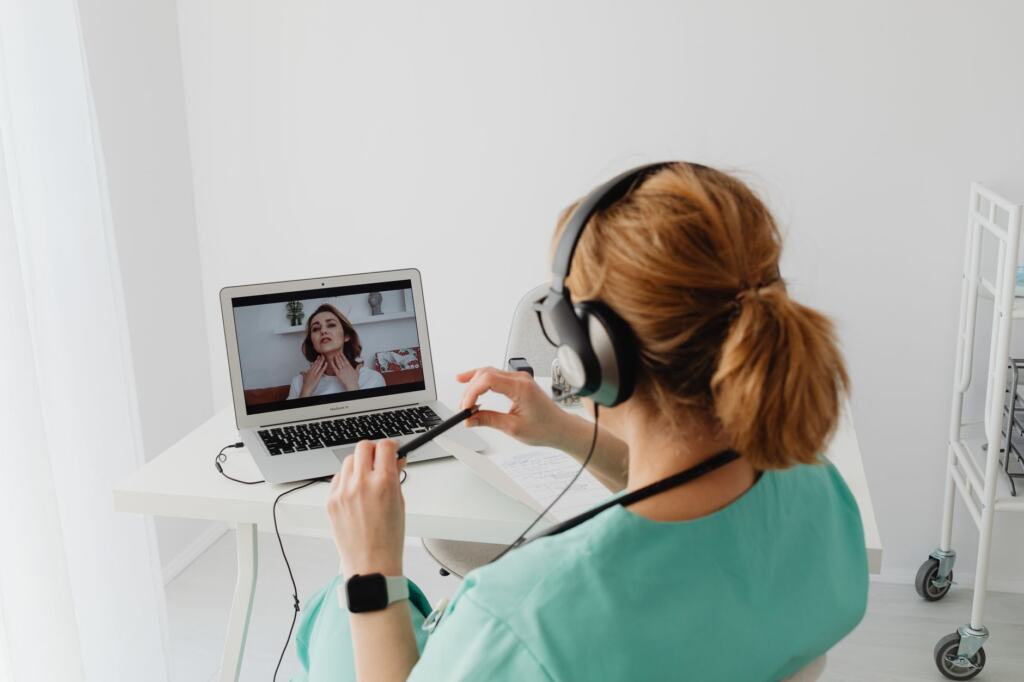
Clinics running telemedicine often collect vital signs before the visit: weight, blood pressure, heart rate and temperature, according to Little Rivers. Taking those at home is a light form of remote patient monitoring. The patient does the measuring, and the clinician reads the numbers during the call.
Write the readings down with the time you took them, and keep the list beside your medication list so both are in view during the call.
Bringing a wearable into the visit
If you wear a smartwatch or fitness tracker, its heart-rate history may add context to a heart-rate reading taken at home. This is a judgement call rather than a rule, and the supplied guidance does not say clinics accept wearable data, so ask the clinic before the visit whether they want it and how they would like to receive it, for example in the patient portal or read aloud on screen. Open the wearable’s companion health app before the call so the figures are one tap away, and share only the readings that bear on the reason for the visit.
What clinicians and clinics need in place
On the clinic side, the platform is a compliance decision. One HIPAA telemedicine guide, PatientCalls, lists the basics: encrypt electronic protected health information in transit and at rest, and make sure all vendors handling protected health information sign Business Associate Agreements. It names Zoom for Healthcare, Doxy.me and GoTo-Meeting as examples of HIPAA-compliant tools. Treat that as a starting list to check against your own contracts and not as an endorsement.
Records are the other half. Digital intake forms can streamline check-in, remove paper handling and sync automatically with electronic medical records, according to the telehealth preparation guide. Where forms and visit notes are not connected to the electronic health record, PatientCalls warns that double documentation raises the risk of errors and staff dissatisfaction. Clinics weighing platforms should therefore ask how a visit will land in the chart. For the wider legal and technical picture, see Health Data Compliance: A Practical 2026 Playbook For Providers And Tech Teams – Bioconnected.
When the video fails
Video problems are most often fixed by working through the likely causes in order of effort. Start with the cheapest fix.
- Close other programs. OhMD recommends closing unnecessary applications before a telehealth visit, and the same step helps mid-call.
- Check the connection. Compare your network with the minimum speed in the table above and move to a stronger signal if you can.
- Rejoin through the clinic’s own link or app. This avoids introducing a new tool halfway through a visit.
- Move to the phone. Telemedicine runs by phone as well as online, so ask the clinic in advance whether it will call you if the video drops, and keep your phone nearby and charged.
If the symptoms that prompted the visit start to look like an emergency, stop troubleshooting and seek emergency care instead of waiting for the connection to return. A dry run and a test a few hours ahead, as described above, prevent most of these failures before they happen.
Frequently asked questions
What if I do not own a scale, thermometer or blood pressure monitor?
Little Rivers states that the clinic can complete the visit without the equipment. The basic scale, thermometer and watch are simply how readings are normally gathered at home.
Do I always have to download an app?
Not always. Some platforms, such as the one used as an example in a telehealth preparation guide, need no download and work from a browser or smartphone. Check the instructions in your appointment message to see what your clinic uses.
Can I take a telehealth visit in a public place?
It is better not to. Under the HIPAA Privacy Rule, consent is required where confidentiality risks exist, and public locations are the example given by PatientCalls. A private room keeps the conversation confidential.