| Situation | What a virtual visit offers | Planning use |
|---|---|---|
| Common short-term problems such as cough, sore throat, fever, rash or pink eye | UnitedHealthcare lists these among the health issues a virtual visit can address | A reasonable first step; book in person only if the problem does not resolve or the clinician asks |
| Ongoing outpatient or chronic care | Physicians have used telemedicine visits for outpatient appointments and chronic care, but UnitedHealthcare says its virtual visits are not intended for chronic or complicated conditions | Ask your own clinic which follow-ups it handles virtually before relying on an on-demand service |
| Problems that may need a hands-on exam, lab test or X-ray | A video or phone call cannot supply these | Book an in-person visit |
| Emergency medical need | Not a fit for a scheduled virtual visit | Seek in-person emergency care |
| Symptoms that depend on touch or body language | Telemedicine cannot offer a comprehensive physical exam or perceive non-verbal communication | Describe symptoms in words and expect the clinician to ask more questions |
This table draws on a peer-reviewed review of telemedicine visits and UnitedHealthcare’s guidance on virtual visits.
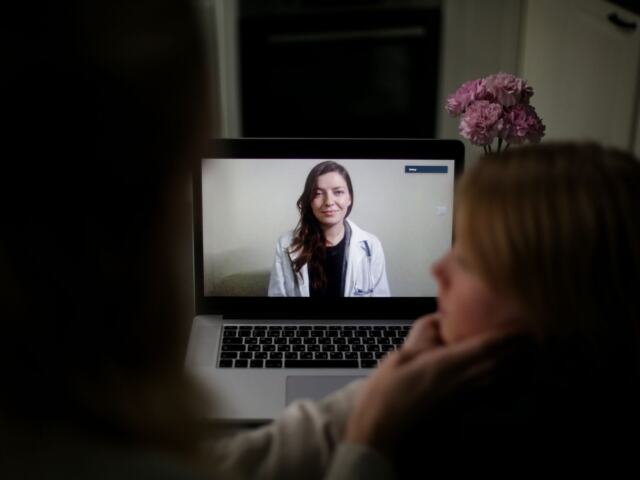
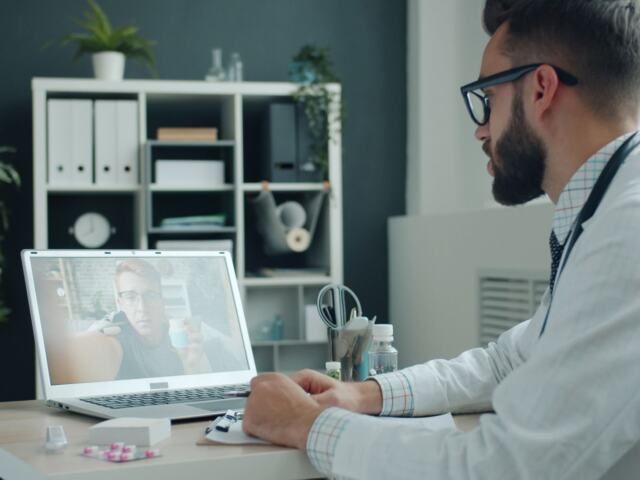
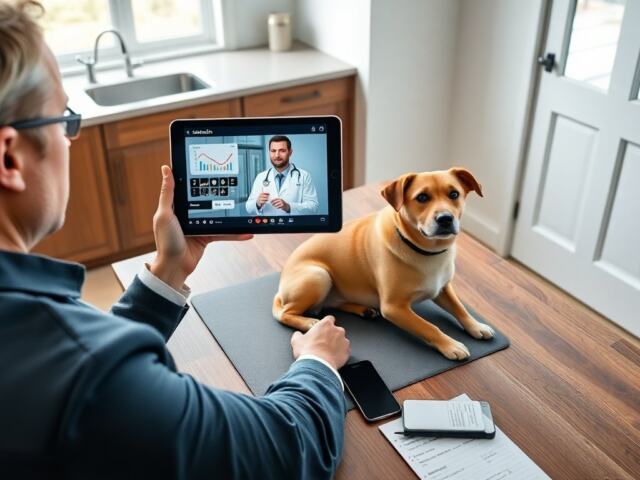
What is a telehealth appointment? It is a remote meeting with your health care provider, held by video on a smartphone, tablet or computer, or by phone if video isn’t possible. Anything needing a hands-on exam still needs an in-person visit.
The topic belongs to the wider field of digital health. If the terms telehealth and telemedicine confuse you, Telehealth vs Telemedicine: What’s The Real Difference And Why It Matters In 2026 – Bioconnected explains how they relate.
Choosing between telehealth and an in-person visit
The practical question for most people is not how telehealth works but whether it fits the problem in front of them. A virtual visit replaces the trip to the office, not the clinical judgement about what a problem needs. That makes the type of problem the main deciding factor.
When a virtual visit is a sensible first step
UnitedHealthcare gives a list of issues that a virtual visit can address: allergies, bladder or urinary infections, bronchitis, cough, diarrhea, fever, migraines, pink eye, rash, seasonal flu, sinus problems, sore throat and stomachache. The common thread is that a clinician can often reach a view from your description, your history and what the camera shows.
- Short-term, familiar symptoms. If the problem matches the list above and you are otherwise managing well, a virtual visit is a sensible place to begin.
- Follow-up care with a clinic that knows you. A peer-reviewed review in PubMed Central notes that physicians turned to telemedicine for outpatient appointments and chronic care as an efficient way to maintain it during the pandemic. Ask whether your own clinic offers this rather than assuming every virtual service does.
- Care where travel is the obstacle. The equipment requirement is modest: a smartphone, computer or tablet and an internet connection, according to an Eastside Primary Medical Care guide to virtual appointments.
When to book in person instead
UnitedHealthcare says a health issue that may need a hands-on exam, lab test or X-ray, or an emergency medical need, calls for in-person care. It also says its virtual visits are not intended for chronic or complicated conditions, so the right setting depends partly on the service as well as the condition.
- Anything that may need a physical exam or imaging. A virtual visit cannot provide a comprehensive physical exam, so do not wait for a video slot if you already expect one to be necessary.
- Emergencies. Do not schedule a virtual visit; go to emergency care.
- Complicated or long-running problems. Choose a visit with a clinician who already knows your history, in person or remotely as that clinic offers.
Insurance and cost checks
Coverage is the part of a telehealth appointment most likely to differ from one person to the next. UnitedHealthcare states that telehealth services may be covered by your insurance and tells patients to check with their health plan. That means no general promise of coverage is safe.
- Ask your plan before the visit. Confirm whether the specific type of virtual visit you are booking is covered and whether a fee applies.
- Ask the clinic how it bills. A clinic’s own virtual visit and a separate on-demand service may be handled differently, so name the exact service when you ask.
Medicare and other program-specific rules are not covered here; the plan or program administrator is the right authority for those.
Devices and visit formats
Video is the usual format, with the phone as a fallback. The Eastside guide says you can meet your provider by phone if a video call isn’t possible, which matters if your connection or device is unreliable. A peer-reviewed review adds that a laptop, phone or tablet is needed for the visit itself.
If you have a choice, video gives the clinician more to work with, since they can see and hear you. Choose a phone visit when the alternative is no visit at all, and tell the clinic in advance that video won’t work so they can plan accordingly.
What happens during a virtual visit
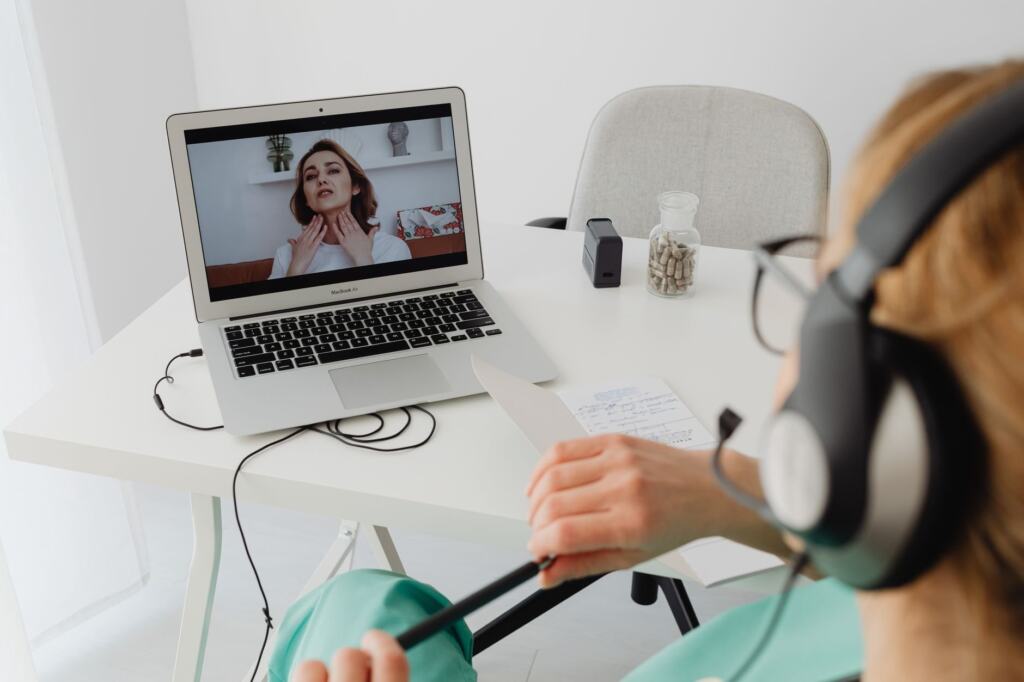
A virtual visit follows a short sequence that mirrors an office visit, minus the physical contact. The Renal Clinic of Houston describes completing the registration forms included in the calendar invite, then joining the video link at the appointment time.
Once connected, the clinician hears and sees you in the video, and you describe your symptoms. The Eastside clinic asks only that you take the visit in a quiet, well-lit area so the clinician can clearly hear and see you. Because the clinician cannot perceive non-verbal communication as fully as in a room, say things aloud rather than relying on expression or gesture.
The visit can end in different ways. The clinician may treat the problem on the spot, or the Eastside guide notes the clinic may request an in-office visit if more information is needed than a virtual visit can provide. Treat that request as part of how the system is designed, not as a failed appointment.
Preparing so the visit is useful
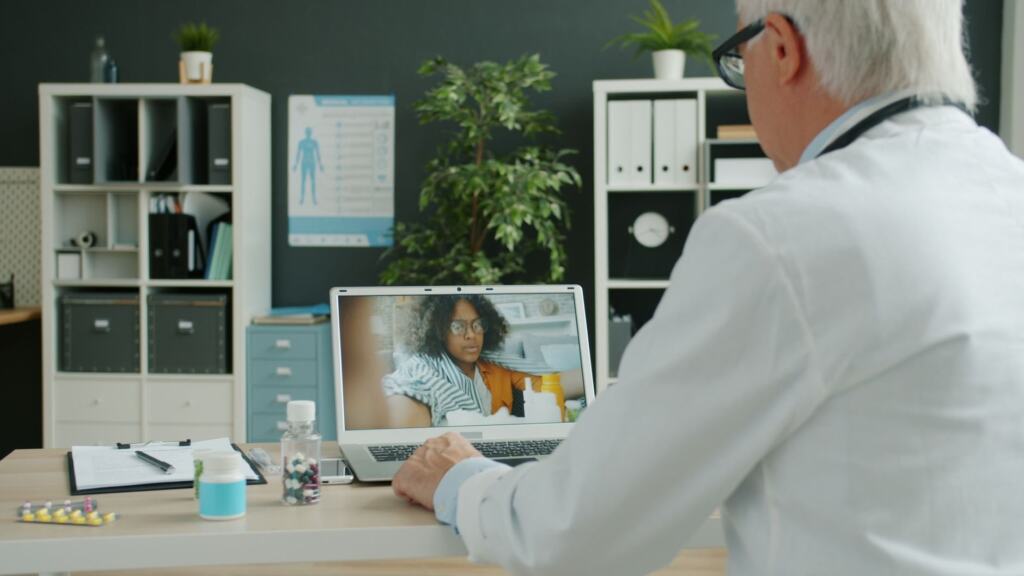
Preparation matters more in a virtual visit because there is less chance to fix gaps on the spot. A short checklist covers most of it; the full walkthrough is in How To Do Telehealth: A Practical Step-By-Step Guide For Patients And Clinicians (2026) – Bioconnected.
- Test the equipment. The peer-reviewed review suggests video-chatting a family member or friend to confirm the microphone and camera work.
- Bring an up-to-date medication list. The same review says patients should be prepared with a comprehensive list of active medications.
- Send paperwork early. The Renal Clinic of Houston suggests submitting your medication list, allergies, ID cards and medical history in advance.
- Pick a quiet, well-lit spot. The clinician needs to hear and see you clearly.
Home monitors and wearable data
Remote patient monitoring links a telehealth appointment to the health devices people already own. The Eastside guide says many home blood glucose monitors and blood pressure machines let you send your data electronically to the clinic. For a follow-up visit about blood pressure or diabetes, readings supplied this way give the clinician measurements that a camera cannot.
If a measurement is useful to your condition and you have a device that records it, have it ready. The peer-reviewed review says that, if accessible, a blood pressure cuff, glucometer or weighing scale may be helpful during the visit. A home blood pressure monitor and thermometer set out on the table beforehand mean you can give a reading when asked rather than hunting for equipment.
Data from a wearable or app is a separate question: ask your clinic which devices and formats it can accept before relying on them in the visit. A clinic that already takes electronic readings from home monitors is the best place to start that conversation.
Frequently asked questions
Are virtual visits and telemedicine the same thing?
Eastside Primary Medical Care says virtual appointments, virtual visits and telemedicine all mean the same thing: a remote meeting with your health care provider. The Renal Clinic of Houston likewise uses telehealth and telemedicine interchangeably.
Can I send photos to the clinic?
Yes, if needed. The Renal Clinic of Houston says patients can upload photos to help diagnose symptoms.
What if the provider wants to see me in person afterwards?
That can happen when the clinician needs more information than a virtual visit can provide. The clinic may then request an in-office visit.