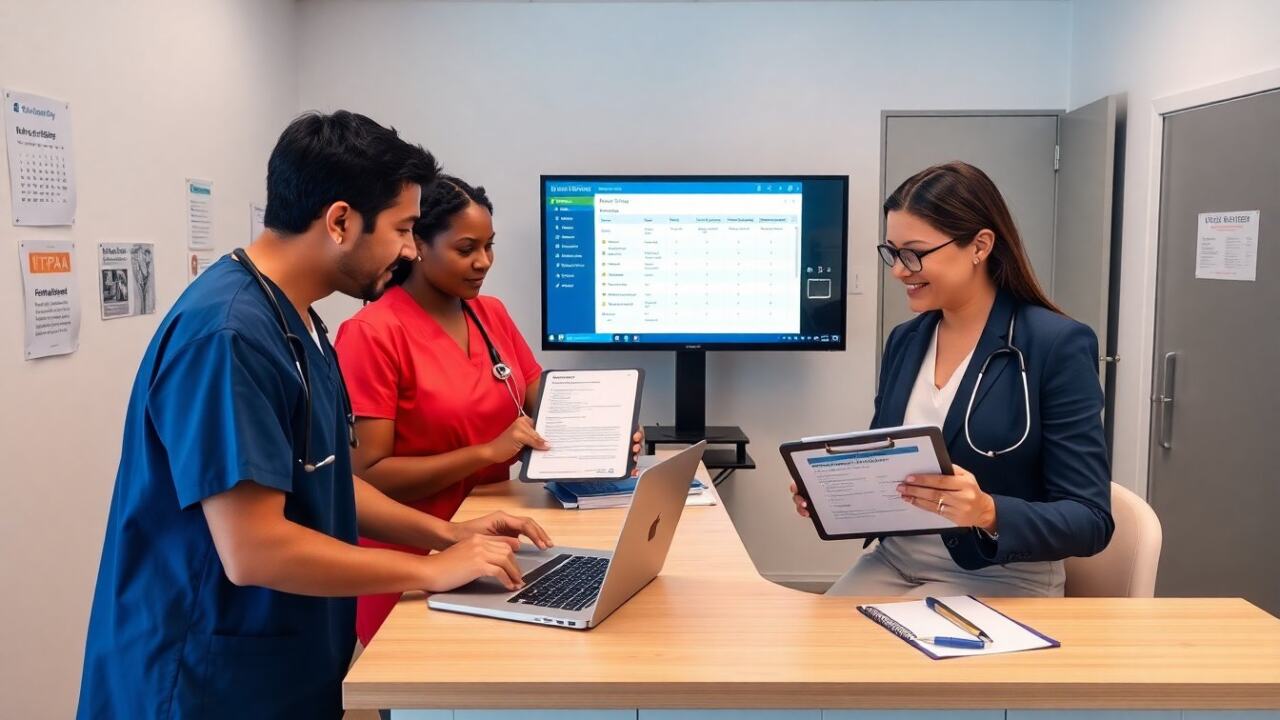
Free electronic health records help small providers reduce costs and start digital care quickly. They offer core charting, e-prescribing, and scheduling without subscription fees. Readers learn who should use free electronic health records, what features to expect, where costs hide, and how to set up and secure a system for compliance in 2026.
Key Takeaways
- Free electronic health records (EHRs) provide essential digital tools like charting, e-prescribing, and scheduling ideal for small practices, rural clinics, telehealth teams, and startups with limited budgets.
- Users should expect core clinical features such as structured charting and prescription capabilities along with basic administrative functions like appointment scheduling and simple billing.
- Hidden costs in free EHRs may include limits on storage, user seats, advanced features, and migration expenses when scaling beyond free plans.
- Evaluating free EHRs requires checking HIPAA compliance, data export options, uptime reliability, and vendor support before adoption to ensure security and functionality.
- Successful implementation involves workflow mapping, user role assignment, staff training, and secure data migration including backups to maintain patient record integrity.
- To maintain security and compliance, enable role-based access, two-factor authentication, sign business associate agreements, and regularly audit access and remote usage policies.
Who Free EHRs Are Best For — Clinics, Telehealth, And Small Practices
Small practices choose free electronic health records when they need core digital tools and limited budgets. Rural clinics pick free electronic health records to replace paper charts and speed visits. Solo practitioners test free electronic health records before they commit to paid software. Telehealth teams use free electronic health records for remote charting and basic e-prescribing when patient volumes stay low. Community health centers adopt free electronic health records for simple reporting and client tracking. Startups use free electronic health records to prototype workflows before they scale. Each group must weigh feature gaps and vendor limits before they rely on free electronic health records.
More specifically, free electronic health records tend to fit organizations that:
- Have relatively simple clinical workflows (e.g., routine primary care visits, behavioral health check-ins, or follow-up telehealth encounters) and do not require extensive specialty-specific modules.
- Operate with a small staff where intensive, on-site IT support is unnecessary and staff can share admin responsibilities for system maintenance and troubleshooting.
- Are testing digital transformation and want to validate workflow changes before investing in a paid system with training and migration costs.
Core Features To Expect In Free EHR Software
Free electronic health records include clinical, administrative, and reporting functions at a basic level. Users should expect limited customization and capped storage. Vendors of free electronic health records provide secure hosting, role-based access, and basic export tools. Practices should confirm HIPAA controls and data export options before they adopt free electronic health records.
Must-Have Clinical Features (Charting, e-Prescribing, Templates)
Free electronic health records usually include structured charting, visit notes, and SOAP templates. They often provide e-prescribing that connects to major pharmacies for common medications. Basic decision support appears in some free electronic health records as allergy and drug-interaction checks. Providers should test templates and e-prescribing workflows to ensure speed and accuracy in free electronic health records.
When evaluating clinical features, prioritize:
- Template flexibility — ability to create or modify visit templates to match your documentation style without needing developer help.
- Speed of documentation — quick entry options (macros, favorites, checkboxes) matter more than a long list of rarely used features.
- Medication workflows — verify how prescriptions are transmitted, whether controlled-substance rules are enforced, and what limitations exist on e-prescribing from free electronic health records.
- Interoperability basics — can the system import lab results or accept CCD/CCDA files even if deeper lab interfaces are paid add-ons?
Administrative And Reporting Features (Scheduling, Billing Basics, Analytics)
Free electronic health records often include appointment scheduling, patient reminders, and basic billing codes. They may integrate with clearinghouses only on paid plans, so claims management can remain manual with free electronic health records. Reporting features usually cover visit counts, simple quality measures, and basic revenue logs. Practices should confirm reporting exports so they can run audits outside the free electronic health records system.
Administrative considerations to test during a trial:
- Scheduling and reminders — can you send SMS/email reminders, block time, and manage recurring appointments within the free tier?
- Billing readiness — does the system generate encounter-level CPT/ICD entries that a biller can export, or will you need separate billing software?
- Reporting and exports — ensure reports can be exported in common formats (CSV/PDF) for quality reporting, audits, and accounting.
- Patient portal basics — free electronic health records sometimes include limited patient messaging or portals; verify messaging limits, attachments, and consent capture features.
Risks, Limitations, And Hidden Costs Of Free EHRs
Free electronic health records lower subscription costs but add other risks. Vendors may limit user seats, storage, or API access. They may place ads or require data-sharing for analytics. Practices may pay for premium modules, lab interfaces, or advanced e-prescribing in free electronic health records. Migration costs appear when a practice outgrows the free electronic health records and needs data export, mapping, or cleanup. Security gaps appear when vendors do not offer dedicated breach support for free electronic health records. Practices should budget for training, custom templates, and an eventual transition when they select free electronic health records.
Common hidden costs and operational risks include:
- Scalability limits — rising fees or forced upgrades when user counts or data volume exceed free plan limits.
- Third-party integrations — charges for interfaces to labs, imaging, or claims clearinghouses that are crucial for day-to-day operations.
- Data portability challenges — export formats that require manual reformatting or additional consulting to migrate to a new vendor.
- Support gaps — slower response times, limited SLA guarantees, or no 24/7 support for critical outages in free tiers.
- Regulatory exposure — missing audit trails, insufficient encryption settings, or absent breach notification processes that increase compliance risk unless mitigated locally.
To mitigate these risks, document expected growth paths, maintain local backups, negotiate a business associate agreement before onboarding, and budget for potential consulting fees to extract and normalize data if you outgrow the free electronic health records.
How To Evaluate, Implement, And Secure A Free EHR (Setup, Migration, Compliance)
They should evaluate free electronic health records with a clear checklist before they sign up. The checklist should include HIPAA safeguards, data export tools, uptime history, and vendor support hours. They should test the free electronic health records with real patient scenarios and sample uploads.
Evaluation checklist (practical items to test during trials):
- HIPAA and BAA — confirm the vendor will sign a business associate agreement and document encryption at rest and in transit.
- Data export and import — request sample exports of demographics, encounters, and medications to confirm completeness and format.
- Audit logs and access controls — verify that user activity is logged and that role-based permissions exist to restrict PHI access.
- Uptime and backups — ask about backup frequency, retention, and disaster recovery procedures for free tiers.
- Support and training — determine available support channels, response times, and whether training resources are included or paid.
For setup, they should map clinical workflows to the free electronic health records and assign user roles. They should import patient lists and validate demographic fields. They should create visit templates and train staff on one standard workflow in the free electronic health records.
Implementation practical steps:
- Workflow mapping — document how a patient moves from check-in to billing and map those steps to the EHR screens to avoid duplicative work.
- User roles and permissions — configure accounts with least-privilege access and a small number of admin users to manage settings.
- Training plan — run short, role-specific training sessions and create quick-reference guides for common tasks.
- Pilot phase — run the system in parallel with paper or your legacy process for a short pilot period to catch workflow gaps before full cutover.
For migration, they should request full data exports in common formats such as CSV or CCD. They should test the export on a staging system before they switch live care. They should keep a local backup copy of patient records from the free electronic health records.
Migration best practices:
- Staging and validation — import exported data into a staging environment and validate key fields (DOBs, allergies, active meds) with clinical staff.
- Incremental migration — if feasible, migrate a subset of active patients first rather than all historical records to limit disruption.
- Backup strategy — keep multiple copies of exported data (encrypted local backup, secure cloud storage) and document the retention schedule.
For security and compliance, they should enable role-based access and two-factor authentication if available in the free electronic health records. They should sign a business associate agreement with the vendor before they transmit PHI to the free electronic health records. They should run regular audit logs and review access reports from the free electronic health records. They should document policies for remote access and device security when clinicians use free electronic health records on personal devices.
Ongoing security checklist:
- Access reviews — perform periodic reviews of user accounts and remove access promptly for departed staff.
- Authentication — require strong passwords and enable two-factor authentication where supported by the free electronic health records.
- Endpoint hygiene — enforce device encryption, OS updates, and screen-lock policies for devices that access the EHR.
- Incident response — have a clear process for suspected breaches, including vendor notification, containment steps, and regulatory reporting timelines.
In summary, free electronic health records can be a practical, low-cost way for clinics and small practices to adopt digital documentation and basic e-prescribing quickly. The trade-offs are limits in features, potential hidden costs, and support constraints; careful evaluation, staged implementation, and disciplined security practices will help practices get the most value while reducing risk.